Summary
This job aid shows where to find information about the Trainer Reactivation process.
Steps
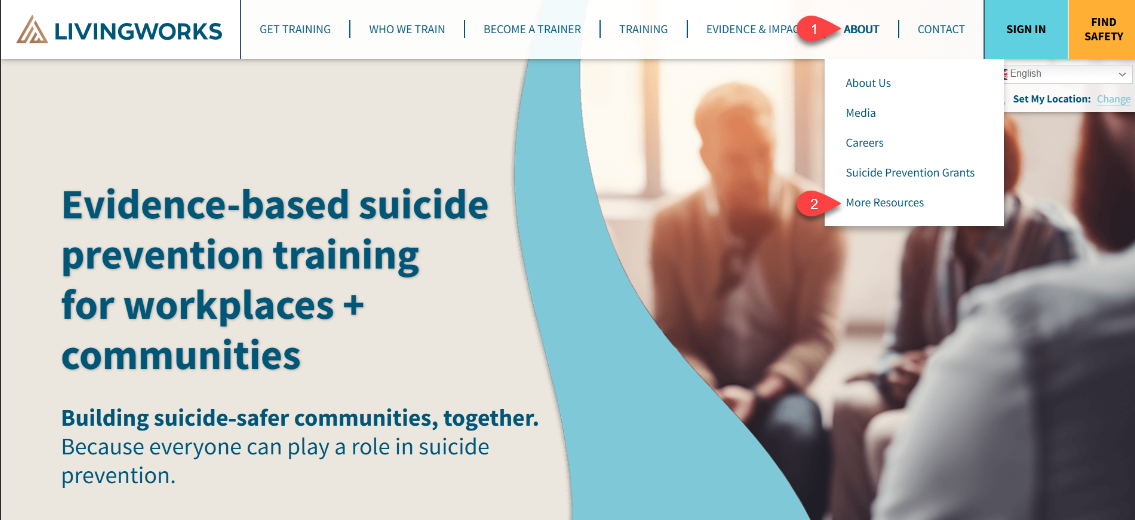
First go to the LivingWorks website at https://livingworks.net
From here click on "About" on the right side of the page and select "More Resources" from the list.
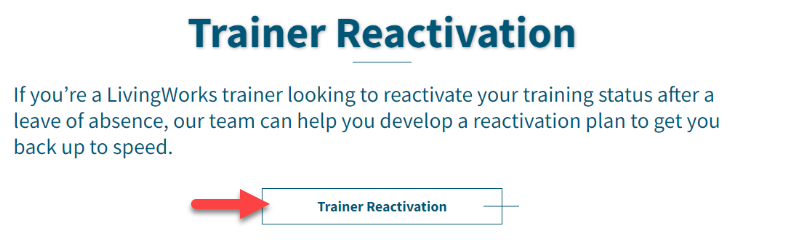
Scroll down until you see "Trainer Reactivation" and click on the button.
You will land on the page below. Read through the page to find the option that best fits your Trainer status. 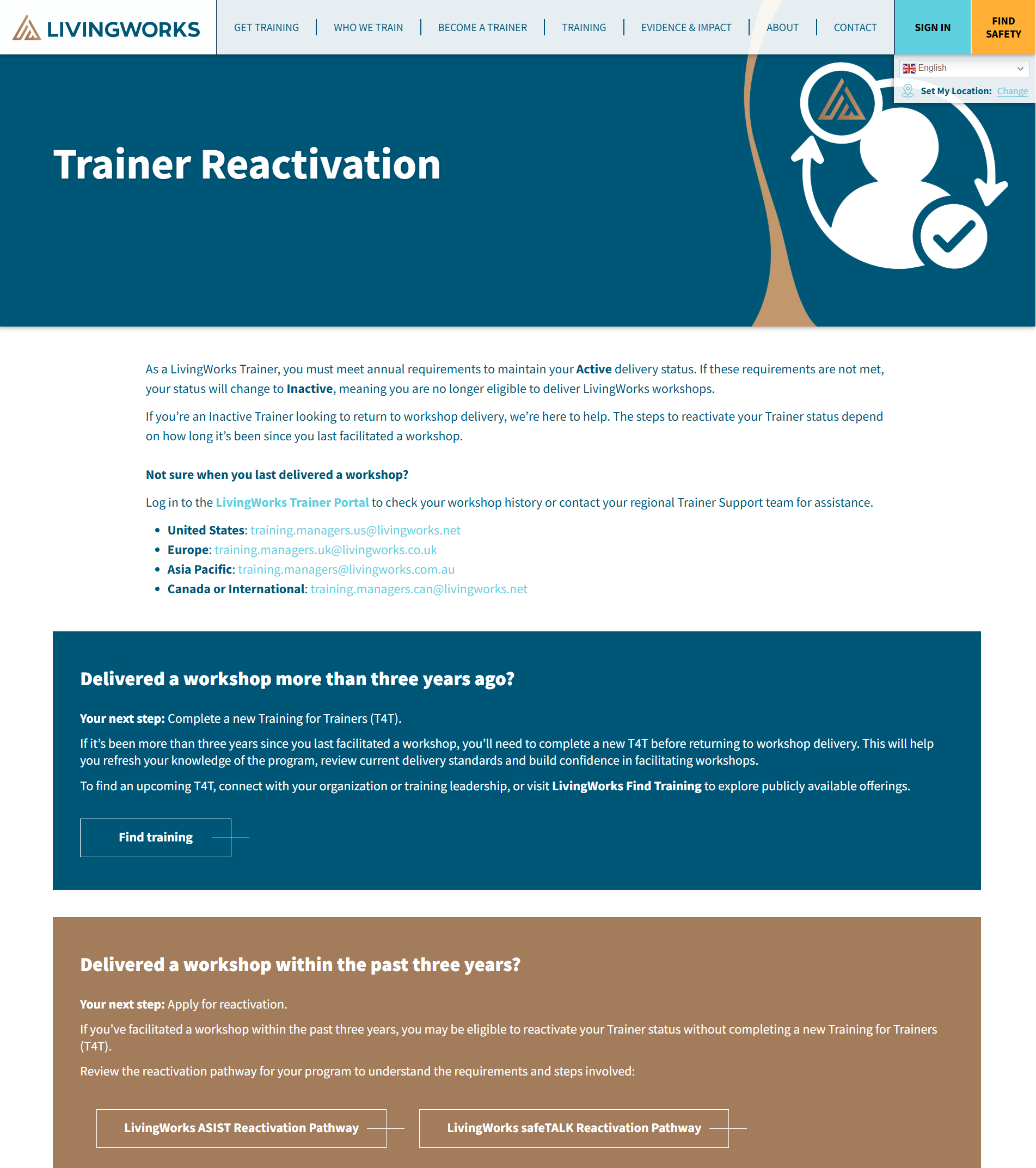
Was this article helpful?
That’s Great!
Thank you for your feedback
Sorry! We couldn't be helpful
Thank you for your feedback
Feedback sent
We appreciate your effort and will try to fix the article